Banking Teams
Connect channels, internal applications, and partner interfaces around defined business journeys.
THLONE helps financial institutions modernize technology, connect digital ecosystems, and automate operations to create more agile and trusted financial services.
Start with your operating model, priority processes, and existing technology. Define a practical scope, then expand as your needs evolve.
Connect channels, internal applications, and partner interfaces around defined business journeys.
Coordinate operational information, requests, and back-office processes.
Assess existing business logic, interfaces, and support needs before defining the modernization scope.
Connect employees, shared information, and approval flows across business and support teams.
The final scope is defined through a review of your processes, data, and integration requirements.
The next generation of financial services depends on how well people, systems, and information connect.
Connect the systems, people, and processes behind everyday work.
Start with connectivity, automation, or internal operations. Define access, governance, and deployment requirements around your environment.
Connect applications and business data through complementary integration capabilities. Integration moves information between systems, API Management governs interfaces, and Identity & Access Management supports user access across applications.
Exchange business information between existing applications through agreed interfaces and data mappings.
✓System connectivity
✓Business data mapping
✓Exchange rules & processing
System connectivity
Business data mapping
Exchange rules & processing
Publish and manage the interfaces connecting business systems, digital channels, and partners.
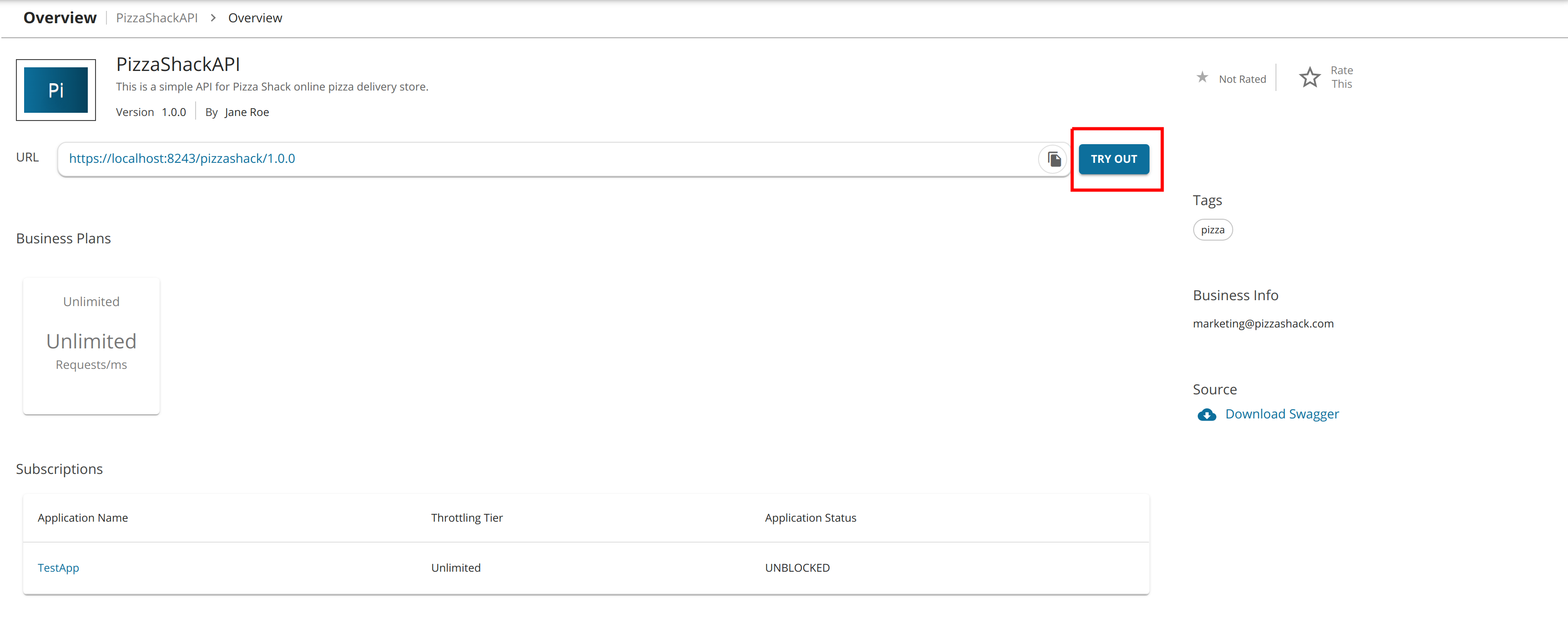
API lifecycle management
Interface access policies
Usage visibility
Review identity, sign-in, and application-access requirements across the systems your users work with.
✓Identity integration
✓Single sign-on requirements
✓Application access policies
Identity integration
Single sign-on requirements
Application access policies
ERP connects finance, purchasing, sales, and inventory so business decisions use consistent data. SAP Business One and Odoo ERP are alternative foundations; choose the platform that fits your processes and growth plans.
Connect finance, purchasing, sales, and inventory in an enterprise business foundation.
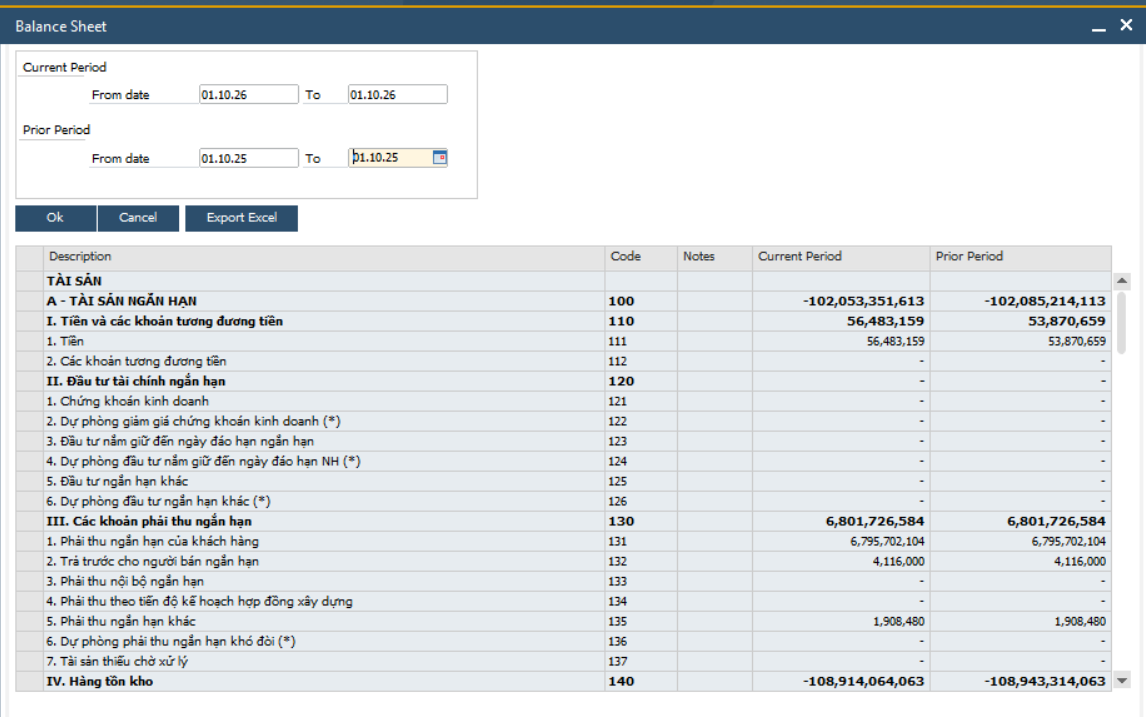
Finance & business reporting
Purchasing, sales & inventory
Operational data exchange
Select and configure ERP modules around your business requirements, existing data, and operating model.
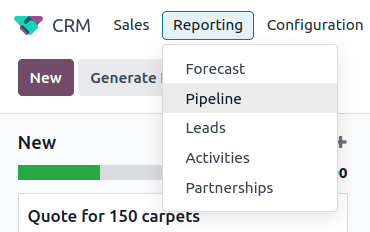
Connected business modules
Process configuration
Integration based on agreed scope
BizOne brings digital workplace capabilities together for branch, operations, and head-office teams. Choose Collaboration for shared work, People & HR for workforce administration, and BPA for repetitive tasks—then connect the capabilities your teams need.
Connect teams, shared information, and everyday coordination across departments and locations.
✓Internal communication
✓Shared information
✓Cross-team coordination
Internal communication
Shared information
Cross-team coordination
Bring employee information, attendance, and payroll processes into a coordinated HR environment.
✓Employee records
✓Attendance & working time
✓Payroll & HR operations
Employee records
Attendance & working time
Payroll & HR operations
Support daily requests, projects, and shared resources through an enterprise portal.
✓Requests & approvals
✓Projects & shared resources
✓Everyday team workflows
Requests & approvals
Projects & shared resources
Everyday team workflows
Coordinate approvals and automate repetitive tasks between people and systems.
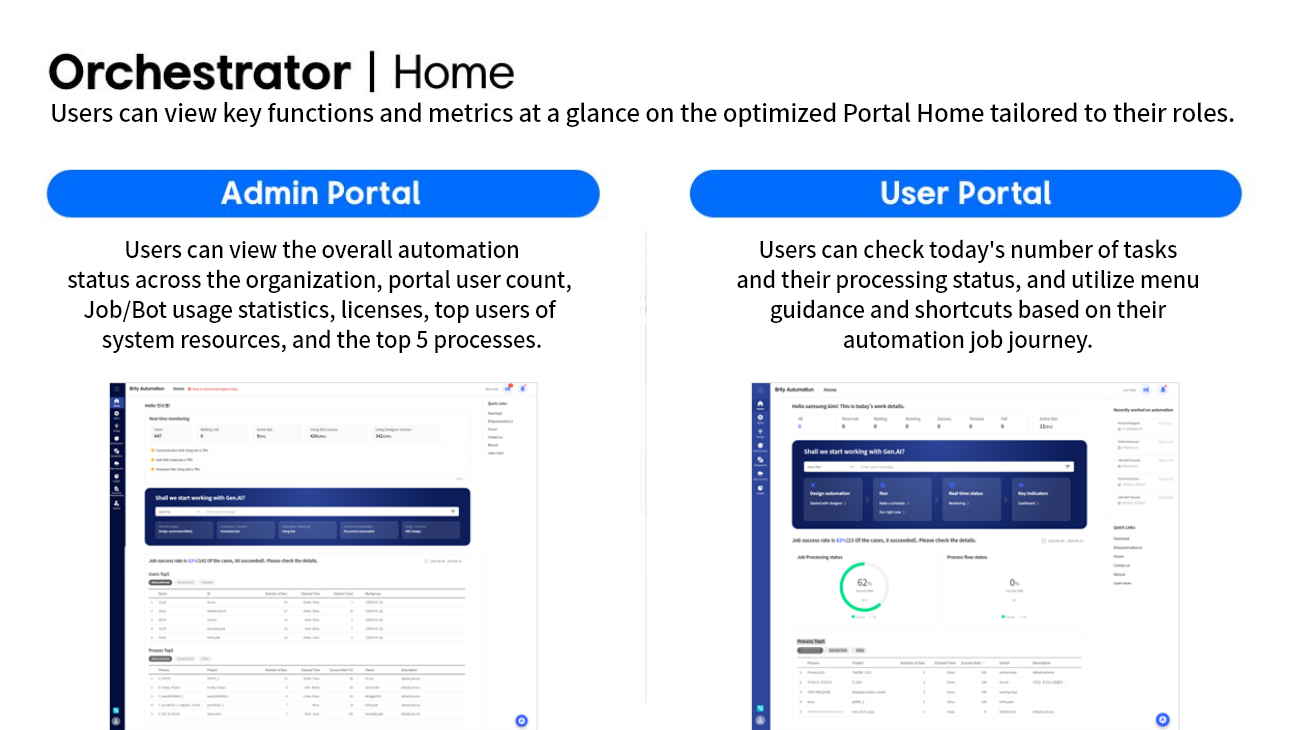
Workflow coordination
Repeatable task automation
API, script or RPA connections
Explore application support, AI assistance, and Terra Platform when they fit your business requirements.
An illustrative integration architecture. Authentication, authorization, data handling, logging, and hosting requirements must be validated for each implementation.
Confirm hosting, access, and infrastructure requirements during discovery.
Review your current applications, data, and available interfaces before defining the connection scope.
Validate priority flows with users before adding more processes or automation.
Discuss your environment and priorities with THLONE to review relevant project experience and a suitable implementation approach.
Review systems, data, users, and operational requirements.
Agree a practical use case, interfaces, and acceptance criteria.
Define responsibilities, rollout scope, and ongoing support needs.